Format conversion
RAW, VCF, BCF, PLINK, BAM, CRAM, and FASTQ
01 · Choose a pathway
Start with the job your file needs
Each pathway solves a different preparation problem. Choose enhancement for broader variant coverage, conversion for a compatible format, or sequencing for WGS and read-level files.
Pathway 01
DNA Enhancement
Expand a chip-based file through imputation or combine several provider files into one broader kit.
Explore enhancementPathway 02
File Conversion
Move between common bioinformatics and consumer DNA formats without changing the underlying genotype calls.
Browse convertersPathway 03
Sequencing Processing
Prepare whole-genome and read-level files for downstream tools through extraction, alignment, and variant calling.
Explore sequencing02 · DNA enhancement
Broader coverage for compatible analysis
Extend a typical genotyping file with statistically inferred variants, merge files from multiple providers, or work locally with the free desktop toolkit.
Most popular

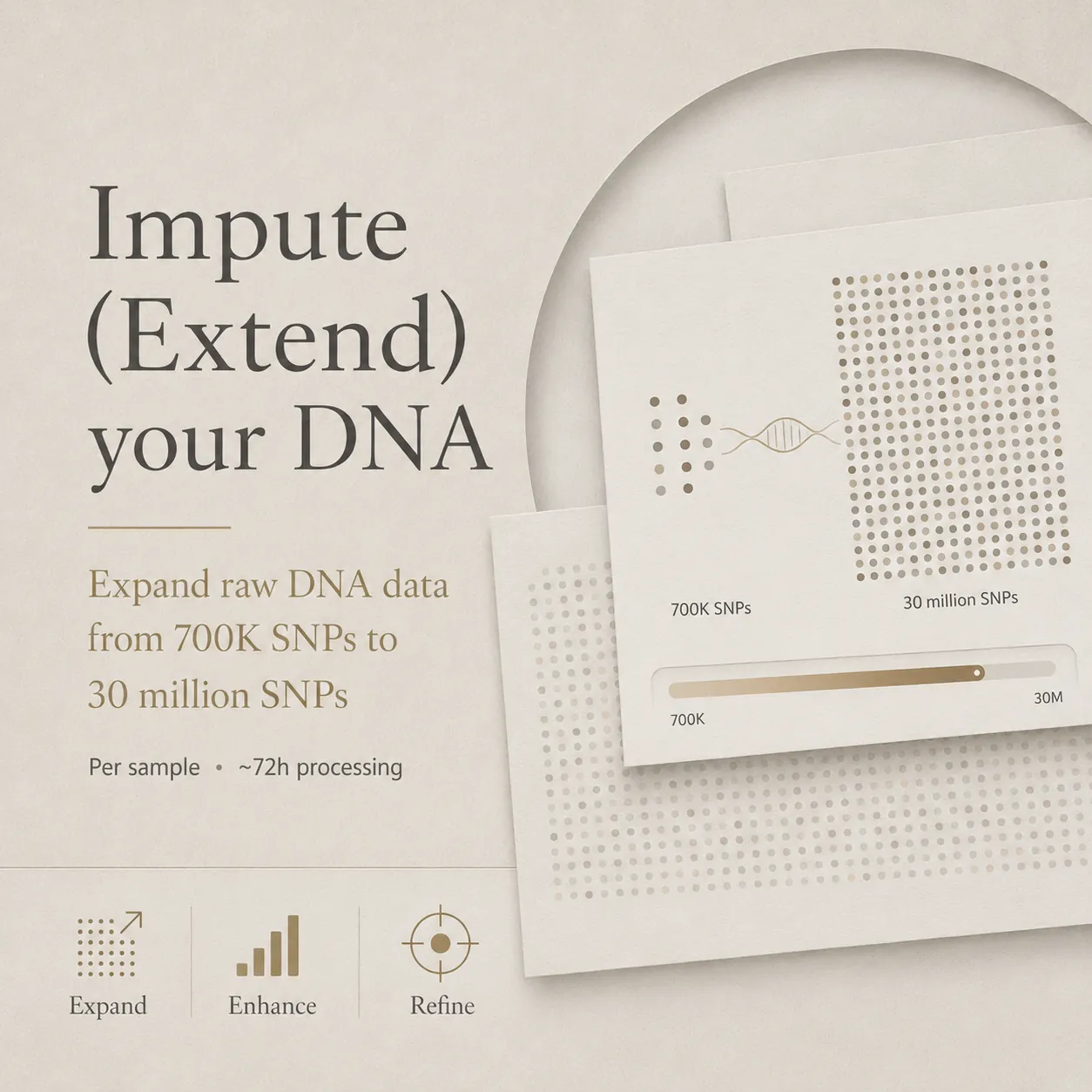
DNA Imputation
Extend a file from about 700K observed SNPs to approximately 30 million observed and statistically inferred variants using the 1000 Genomes Phase 3 reference panel.
- Approximately 700K to 30M variants
- 1000 Genomes Phase 3 reference
- About 24 hours processing
- Two output files included
$22 one-time service
Coverage

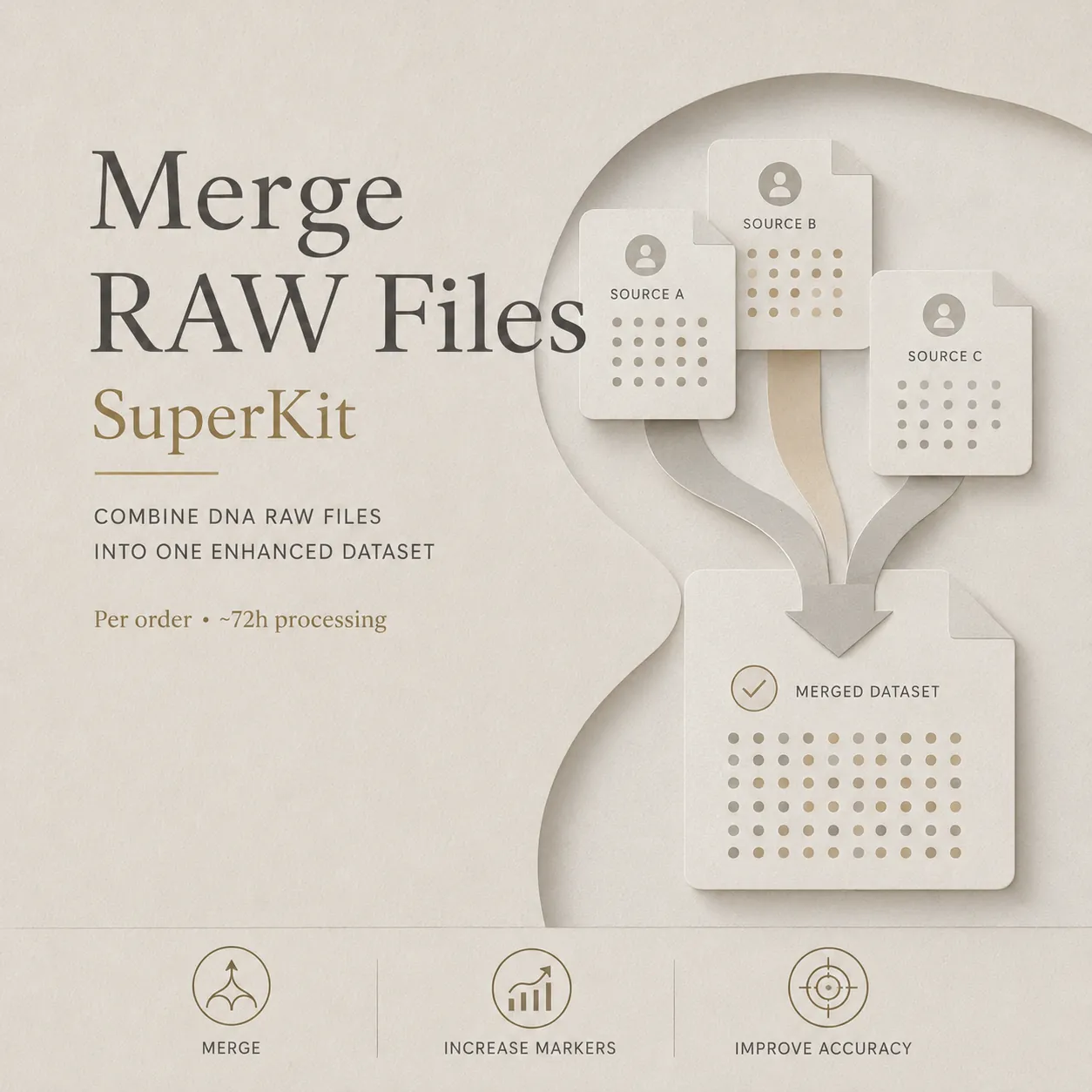
DNA Merging
Combine up to five DNA files from different providers into one superkit with broader observed marker coverage.
- Merge up to five files
- Create one DNA superkit
- Support broader matching workflows
Free
DNA Kit Studio Desktop
Analyze, merge, compare, and manage RAW DNA files locally with a Windows desktop application.
- Free to download
- Windows desktop application
- Local file processing
03 · File converters
Move between the formats your tools expect
Convert common genetic-data formats or lift coordinates between human reference genome builds. The source data and destination tool determine the right workflow.
VCFRAWBCFPLINK
VCFRAW
VCF to RAW Converter
Convert Variant Call Format files to a universal RAW DNA format for compatible consumer analysis tools.
Learn moreRAWVCF
RAW to VCF Converter
Convert a RAW DNA file to VCF for compatible bioinformatics and variant-analysis tools.
Learn moreHG19HG38
DNA Coordinate Liftover
Lift RAW or VCF coordinates between HG19/GRCh37 and HG38/GRCh38 reference builds.
Learn moreBCFRAW
BCF to RAW Converter
Convert binary Variant Call Format files to RAW DNA format for compatible ancestry-analysis tools.
Learn morePLINKRAW
PLINK to RAW Converter
Convert PLINK BED, BIM, and FAM file sets to a compatible RAW DNA format.
Learn more23andMeRAW
23andMe Imputed Converter
Convert a 23andMe imputed file into the standard RAW format expected by compatible tools.
Learn more04 · Sequencing workflows
Prepare WGS and read-level files
Process whole-genome sequencing files from advanced providers, call variants from FASTQ reads, or align reads against the T2T-CHM13 reference.
BAM · CRAM → RAW
WGS to RAW
Extract a RAW DNA file from whole-genome BAM or CRAM files supplied by Nebula Genomics, Dante Labs, TellMeGen, Sequencing.com, YSEQ, and other providers.
- Supports 30x and higher coverage
- Provider-compatible WGS inputs
- Autosomal marker extraction
FASTQ → T2T
FASTQ Alignment to T2T
Align raw FASTQ reads to the Telomere-to-Telomere CHM13 human reference genome through a quality-controlled pipeline.
- T2T-CHM13 reference
- Managed alignment workflow
- Quality-controlled output
FASTQ → RAW
FASTQ to RAW
Call variants from raw FASTQ sequencing reads and prepare a RAW DNA file for compatible downstream platforms.
- Direct FASTQ processing
- Variant calling included
- Platform-ready output
05 · Provider compatibility
Know what your source file can do
RAW chip files can usually enter services directly. Whole-genome sequencing files first require the matching sequencing or conversion workflow.
Provider and format referenceCompare chip versions, formats, marker counts, and required preparation.
Select a column heading to sort the table.
Open the full compatibility guide| Compatibility | Notes | |||||
|---|---|---|---|---|---|---|
| 23andMe RAW | v5 | RAW | ~730K | 2017 | All services | Current chip |
| 23andMe RAW | v4 | RAW | ~600K | 2013 | All services | Legacy |
| 23andMe RAW | v3 | RAW | ~960K | 2010 | All services | Custom chip |
| AncestryDNA RAW | v2 | RAW | ~710K | 2018 | All services | Current chip |
| AncestryDNA RAW | v1 | RAW | ~680K | 2012 | All services | Legacy |
| MyHeritage RAW | v2 | RAW | ~730K | 2019 | All services | GSA chip |
| MyHeritage RAW | v1 | RAW | ~700K | 2016 | All services | OmniExpress |
| FamilyTreeDNA RAW | Family Finder | RAW | ~700K | 2018 | All services | Not listed |
| LivingDNA RAW | GSA v2 | RAW | ~730K | 2019 | All services | Not listed |
| Nebula Genomics WGS | 30x WGS | FASTQ/VCF | 30M+ | 2019 | After conversion | Requires WGS to RAW |
| Dante Labs WGS | WGS | FASTQ/VCF | 30M+ | 2018 | After conversion | Requires WGS to RAW |
| TellMeGen WGS | 30x WGS | FASTQ/VCF | 30M+ | 2022 | After conversion | Requires WGS to RAW |
| Sequencing.com WGS | WGS | FASTQ/VCF | 30M+ | Not listed | After conversion | Requires WGS to RAW |
| YSEQ WGS | WGS | FASTQ/VCF | 30M+ | Not listed | After conversion | Requires WGS to RAW |
| Gene by Gene RAW | GPS Origins | RAW | ~700K | 2016 | All services | Not listed |
| 24Genetics RAW | Custom | RAW | ~700K | 2018 | All services | Not listed |
| National Geographic RAW | Geno 2.0 | RAW | ~150K | 2012 | Limited | Discontinued |
| WeGene RAW | Custom | RAW | ~700K | 2016 | All services | Asia focus |
| Genera RAW | Custom | RAW | ~650K | 2019 | All services | Brazil |
| TellMeGen RAW | Custom | RAW | ~700K | 2017 | All services | Spain |
| Adntro RAW | Custom | RAW | ~700K | 2020 | All services | Spain |
06 · Common questions
Before you submit a file
Processing time, retention, compatible formats, and the distinction between observed and inferred variants.
How long does processing take?
Most services complete within 24 to 48 hours. DNA imputation typically takes around 24 hours, file conversions usually take 12 to 24 hours, and WGS processing may take 48 to 72 hours depending on file size.
Is my data secure?
Files are processed on EU-hosted infrastructure with encryption. Processing files are retained for up to 15 days so you can download the output, and you can request deletion at any time. We do not sell or share genetic data for advertising.
What file formats are supported?
Supported inputs include RAW files from major providers, VCF, BCF, PLINK BED/BIM/FAM, BAM, CRAM, and FASTQ. Availability depends on the selected service.
Can I reprocess my files?
Output files are available for download for 15 days after processing. Reprocessing requires a new order, so we recommend downloading the results promptly.
What is DNA imputation?
Imputation is a statistical method that predicts variants not directly measured by a DNA chip. It compares observed SNPs with a reference panel to infer additional variants; inferred variants remain estimates rather than direct measurements.
Which ancestry platforms work with imputed files?
Imputed files can be used with compatible services such as GEDmatch, MyTrueAncestry, Illustrative DNA, and G25 Studio. Additional markers provide more input for compatible models, while ancestry outputs remain statistical genetic-similarity estimates.
Ready when your file is
Choose the workflow, then upload securely
Start with compatibility if you are unsure which service fits your provider or file format. Upload only after selecting the workflow you need.
Use code DISCOUNT35 for 35% off.
Genetic data requires explicit consent before processing. Retention and deletion controls apply to uploaded files.
Explore More Services